Help and support
Questions, problems or ideas: email hello@luminbrane.com. A person reads every message, and we usually answer within two working days.
Start a board
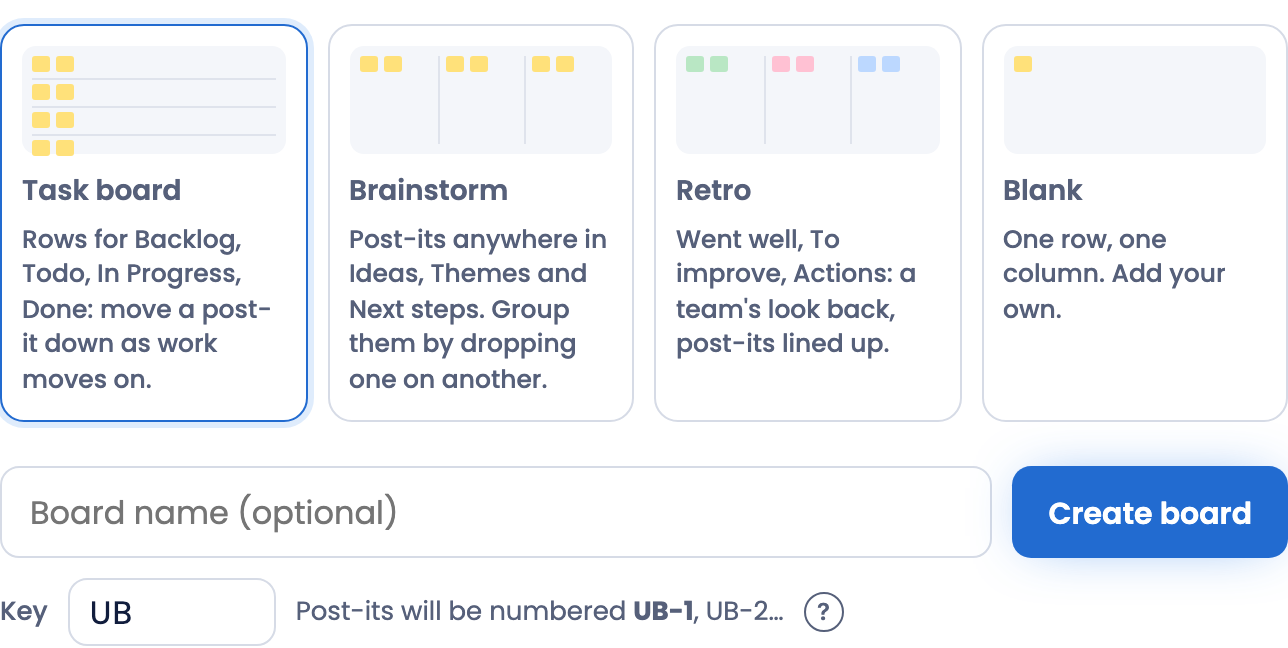
- Sign in with your email: we email you a 6-digit code, and if you're new, the code creates your account.
- On Your boards, pick a template and give the board a name (or leave it "Untitled board"). Task board has a row for each status (Backlog, Todo, In Progress, Done…); Brainstorm has Ideas, Themes and Next steps; Retro has Went well, To improve and Actions; Blank has one row and one column to start from.
- The board gets a key of up to 5 letters and digits, shown under the name before you create it; type your own if you like. Its post-its are numbered with it, like LB-12: say it to talk about a post-it, type it in Find, or link to it (/n/LB-12). An owner can change it in the board's settings.
Add and move post-its
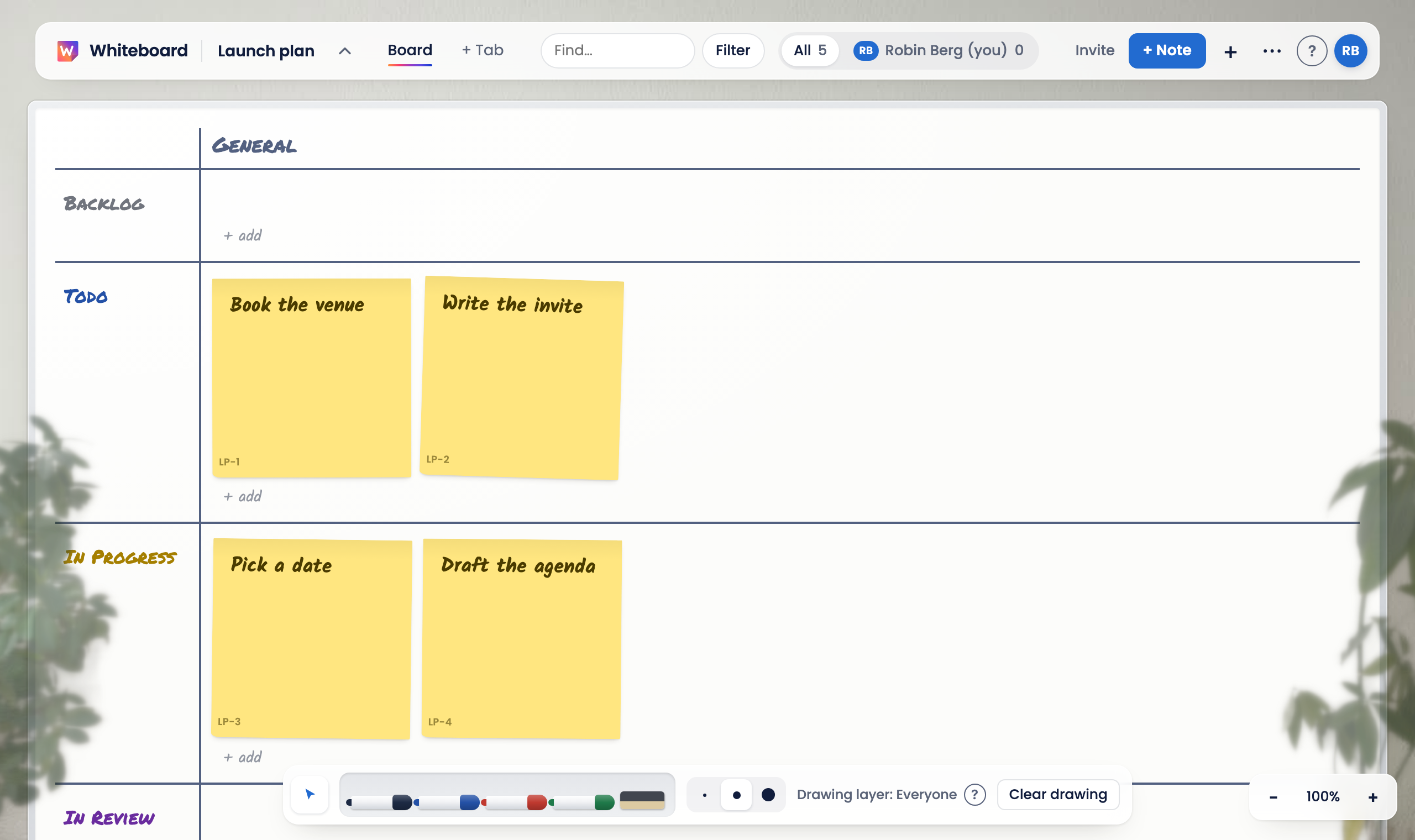
- + Note, or press N, makes a post-it. On a phone, + opens a line above the keyboard: type, press Enter, and type the next one.
- Click a post-it to open it. A row of chips under its title sets the status, who it's for, the priority, a due date and labels. A saved post-it saves as you change it.
- Drag a post-it to move it. On touch, press and hold it until it lifts, then drag. Or use its ⋯ (or press . on it) to change its status, who it's for or its priority, set it aside, move it to another tab or board, or delete it, without dragging.
- Drop a post-it on another to group them: it becomes a sub-task of that one. Drag it off the board to set it aside.
- With the keyboard: Tab to a post-it, the arrow keys go to the next one, Enter opens it, and Alt with an arrow moves it. Press ? on a board for every shortcut.
Invite a teammate
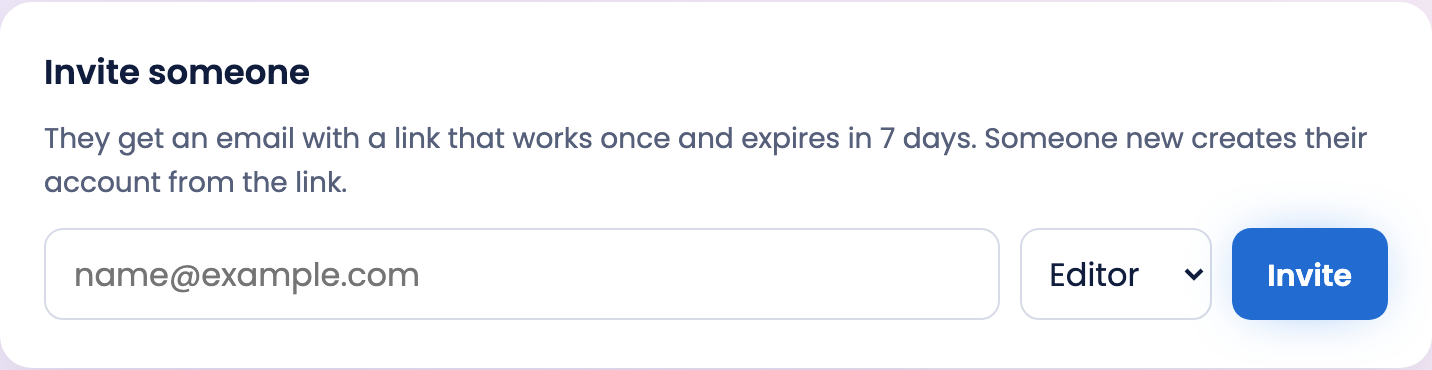
- Owners press Invite in the board's header, type an email and choose a role: an editor changes things, a viewer only looks.
- They get an email with a link that works once and expires in 7 days. Someone new creates their account from the link. Invitations you've received are under "Pending invitations" on Your boards.
- Owners change roles and remove people in the board's settings, under Members. A board always keeps an owner: make someone else one before you leave.
Use it on your phone
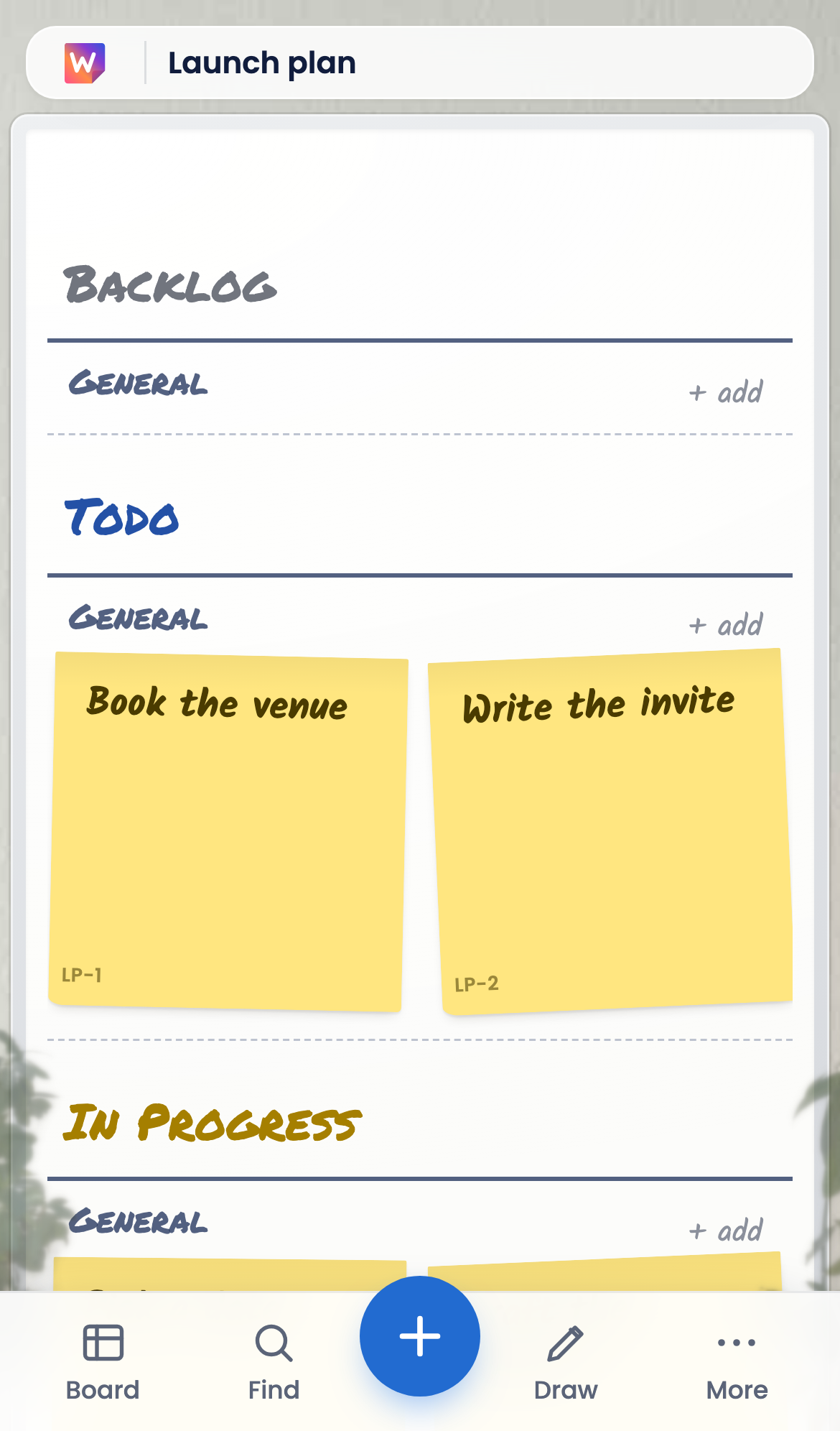
- On a phone a board opens as a list, by row; the first button in the bar along the bottom switches to the board itself, and it remembers your choice.
- The bar has Find, + for a new post-it, Draw and More (tabs, people, settings and the rest of the header).
- A post-it opens as a sheet from the bottom, half way, with Done always in reach: pull its handle up, or scroll, for the rest. A post-it's ⋯ changes its status without a drag.
- The iPhone and iPad app shows the same boards with the same account, and can notify you when someone assigns you a post-it, comments on your file or invites you to a board. Notifications say who did what and on which board, never the text itself. Choose which you get in Account → Notifications, or in your phone's Settings.
Sign in with your fingerprint or face
- Sign in the way you unlock your phone or computer: your face, your fingerprint or your device PIN. Whiteboard never sees your face or fingerprint; it stays on your device. Technically this is a passkey.
- Set it up on your Account page, under Sign-in and security. After a couple of sign-ins with a code, Whiteboard offers it too.
- You can also add a password and two-factor sign-in with an authenticator app. With two-factor on, your email and the code from the app are enough: choose "Use my authenticator app".
- A board's owner can require two-factor sign-in for everyone on it, and accept fingerprint or face sign-in as two-factor: a passkey is two factors in one, the device it lives on and the face, fingerprint or PIN that unlocks it.
Statuses and rows
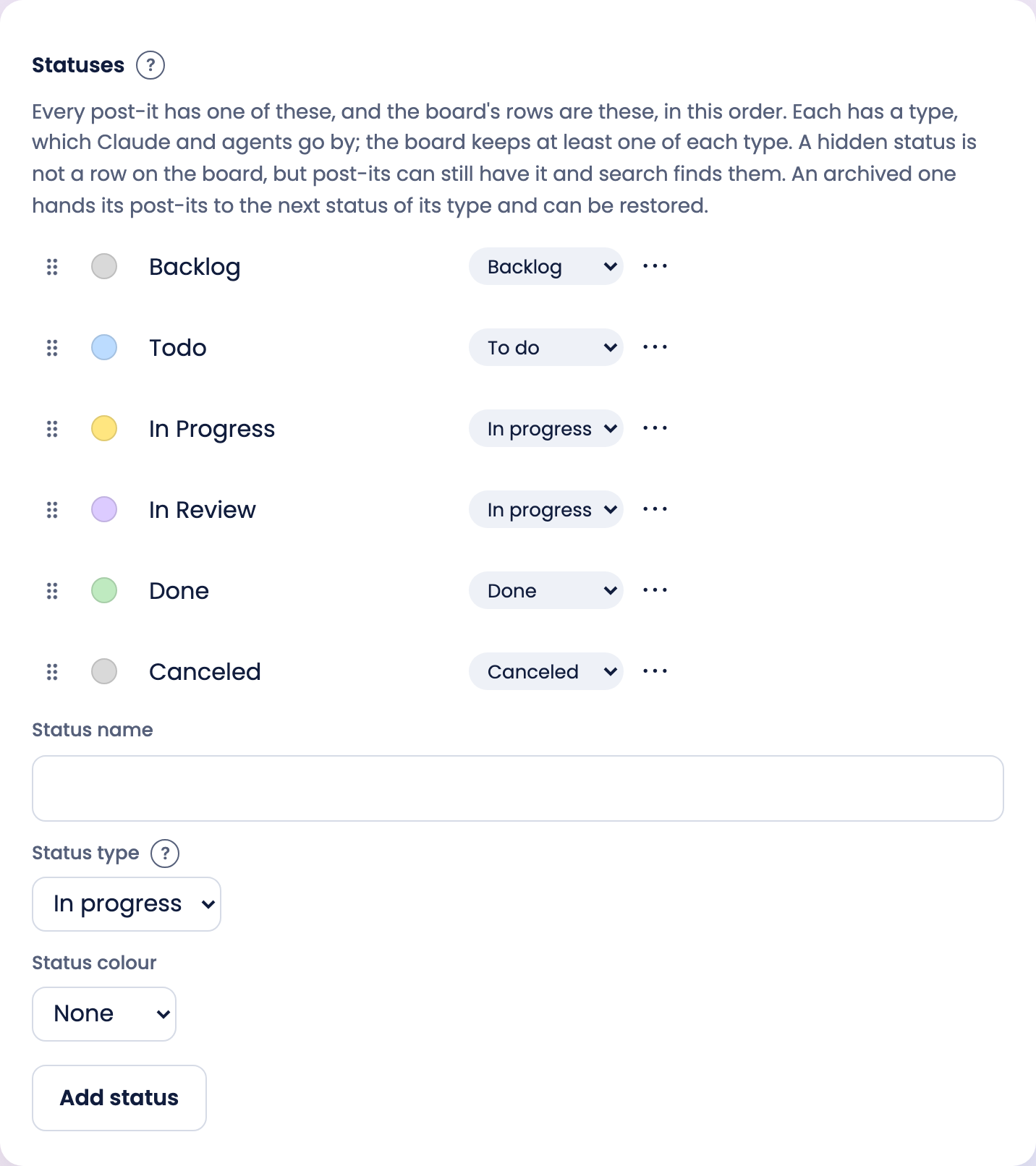
- Every post-it has a status. Each status has a type: Backlog, To do, In progress, Done or Canceled. Progress, filters and AI agents go by the type, so call your statuses anything.
- On a Task board the rows *are* the statuses: moving a post-it to another row changes its status, and changing its status moves it. A tab can have its own rows instead (click a row's name, then Rows).
- To put rows in another order, say Now, Next, Later, drag a row by the dots before its name (on a phone, hold them first). Or click its name and use ↑ Up and Down ↓. Moving a status row moves that status for the whole board.
- Edit statuses in the board's settings, under Statuses and labels: drag to reorder, click a name to rename it, pick a colour or type in place, and the ⋯ menu hides, archives or deletes one.
- Lots of finished post-its? Filter, then Hide done, leaves out everything Done or Canceled on that tab, for you, on this device; the board stays quick with hundreds of them. "12 done hidden" next to Filter says they are there, and a click shows them again.
- A hidden status is no row on the board, but post-its keep it and search finds them. An archived status is gone from the board and the pickers; its post-its move to the next status of its type, and it can be restored.
- Columns can be grouped by who it's for, priority, a label group or parent: click a column's name.
Draw on the board
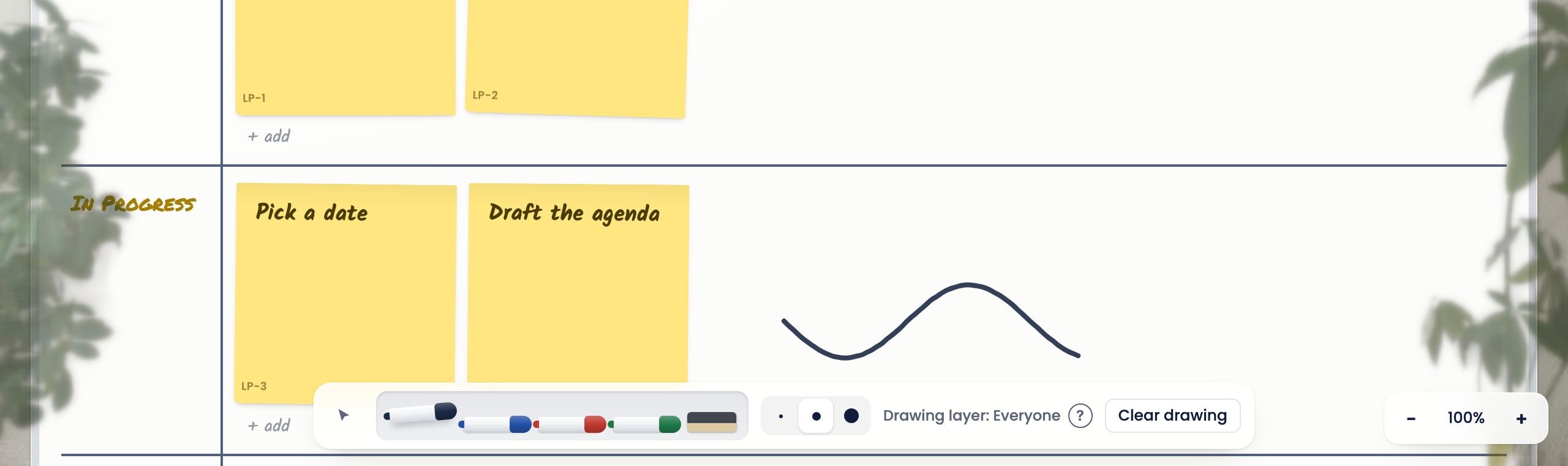
- Pick up a marker at the bottom of the board (on a phone: Draw) and draw anywhere; Esc, or tapping the marker again, puts it down.
- A line drawn from a post-it stays attached to it when the post-it moves (the board's Layout settings say how).
- Each view has its own drawing, and the drawing tools say which layer you're on. Drawing layer: Everyone (with everyone shown in the people filter at the top) is seen by everyone. Pick a person there and you draw on their layer, seen only while they are picked: Drawing layer: Only me when it's you. Clear drawing clears the layer you're looking at.
Connect Claude, ChatGPT or another AI app
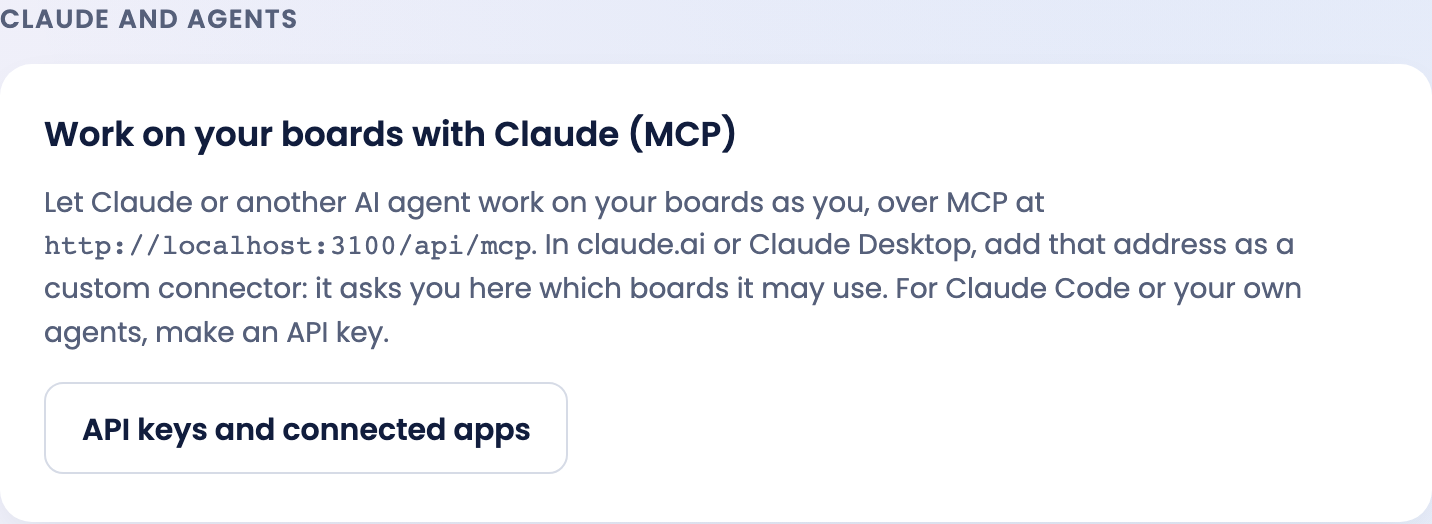
- Claude, ChatGPT or any AI app that supports MCP connectors can read and change your boards as you: add your Whiteboard's MCP address (on your Account page, under AI apps and agents) as a custom connector in the app. It asks you which boards it may use.
- For coding agents such as Claude Code, Codex or Cursor, or your own agents, make an API key on the same page, limited to the boards you choose and to reading only if you like.
- What an agent does shows as Agent on the board, in each post-it's history and in the people filter. A board's owner can give it other names and the GitHub repositories of its code in the board's settings, under AI apps and agents.
- An agent asks you who should own a post-it it makes, and you can answer with any member's name or email. Until someone is named, the post-it is Agent's. Inviting someone new is done on the board.
Delete your account
- Account → Delete account, then type DELETE to confirm. This works on the website and in the app.
- It deletes your account and every board where you're the only member. If you own a board that has other members, make someone else an owner first.
- You can download a copy of your data first: Account → Download my data.
- Can't sign in any more? Email hello@luminbrane.com from the address on the account, and we'll delete it for you.
Report abuse or block someone
- Boards are private to their members. If you see something illegal or harmful, tell the board's owners, or email hello@luminbrane.com with the subject "Report abuse" and a link to the board. We act on reports and can remove content or accounts that break the Terms.
- To block someone: on a board you share with them, open the board's settings and choose Block next to their name. They are removed from boards you own, you leave boards you share where you aren't an owner, and their invitations no longer reach you. To undo it: Account → Blocked people → Unblock.
Your data, and who we are
- How we handle your data is in the Privacy Policy. The rules for using Whiteboard are in the Terms.
- Whiteboard is made by Luminbrane AB (org.nr 559523-4245), Slottsbacken 8, 111 30 Stockholm, Sweden.